KEIBIDROP
KEIBIDROP connects two computers directly and encrypts everything end to end, with a hybrid ML-KEM-1024 and X25519 key exchange. Teleport mounts the other computer's folder on yours, so any program opens the files and only the bytes it reads cross the link. Direct transfer sends files with no cloud upload in between. The engine, the command-line tools and the desktop app are open source under AGPL-3.0.
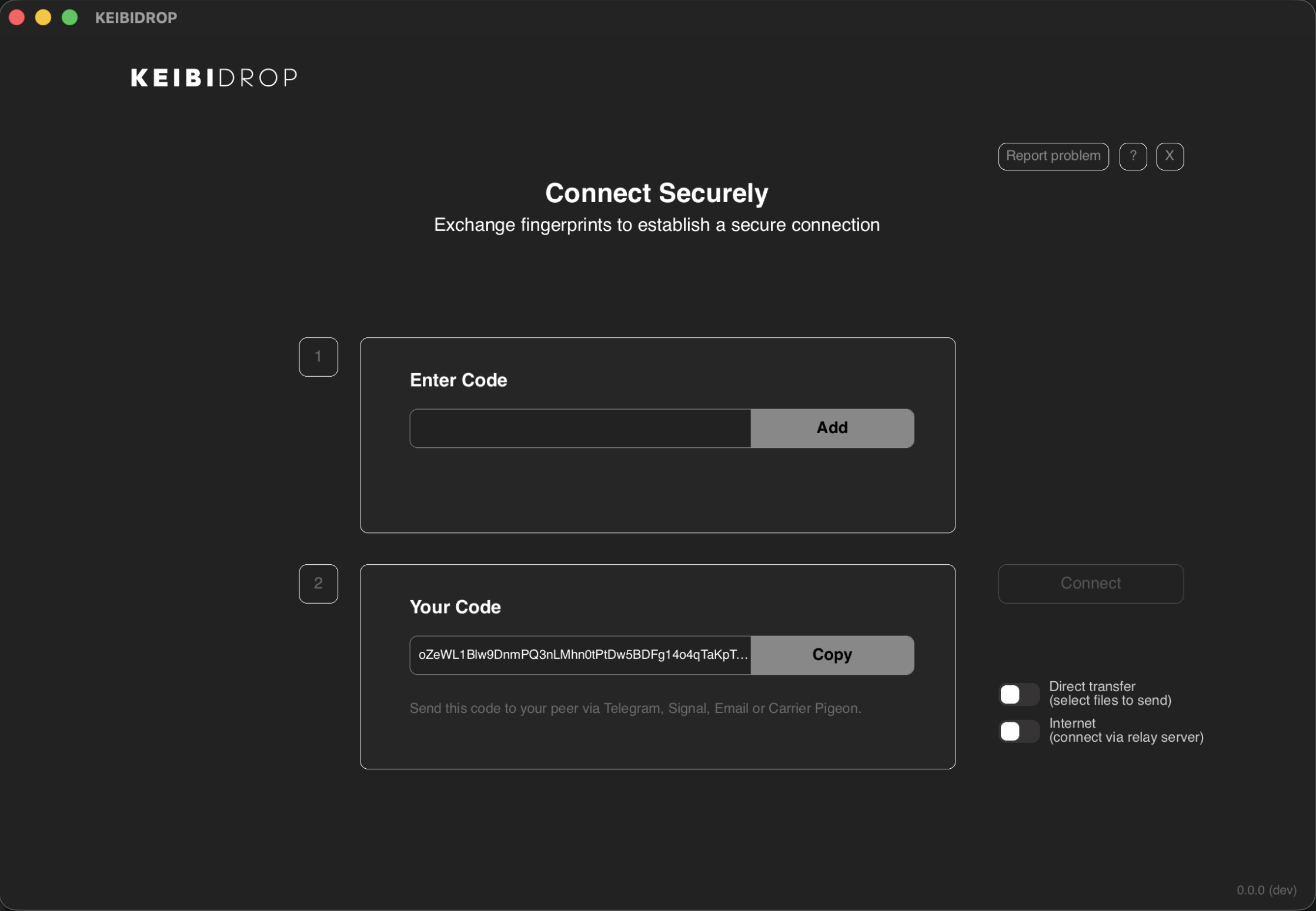
Teleport and direct transfer
KEIBIDROP has two ways to share. With Teleport on, the other computer's folder appears as a normal folder on yours: FUSE on Linux, macFUSE on macOS, WinFsp on Windows. Programs read the files on demand. In direct transfer, you drag files into the app and the other person saves what they need. Both are end-to-end encrypted. Before 0.5.0, Teleport was called virtual folder mode.
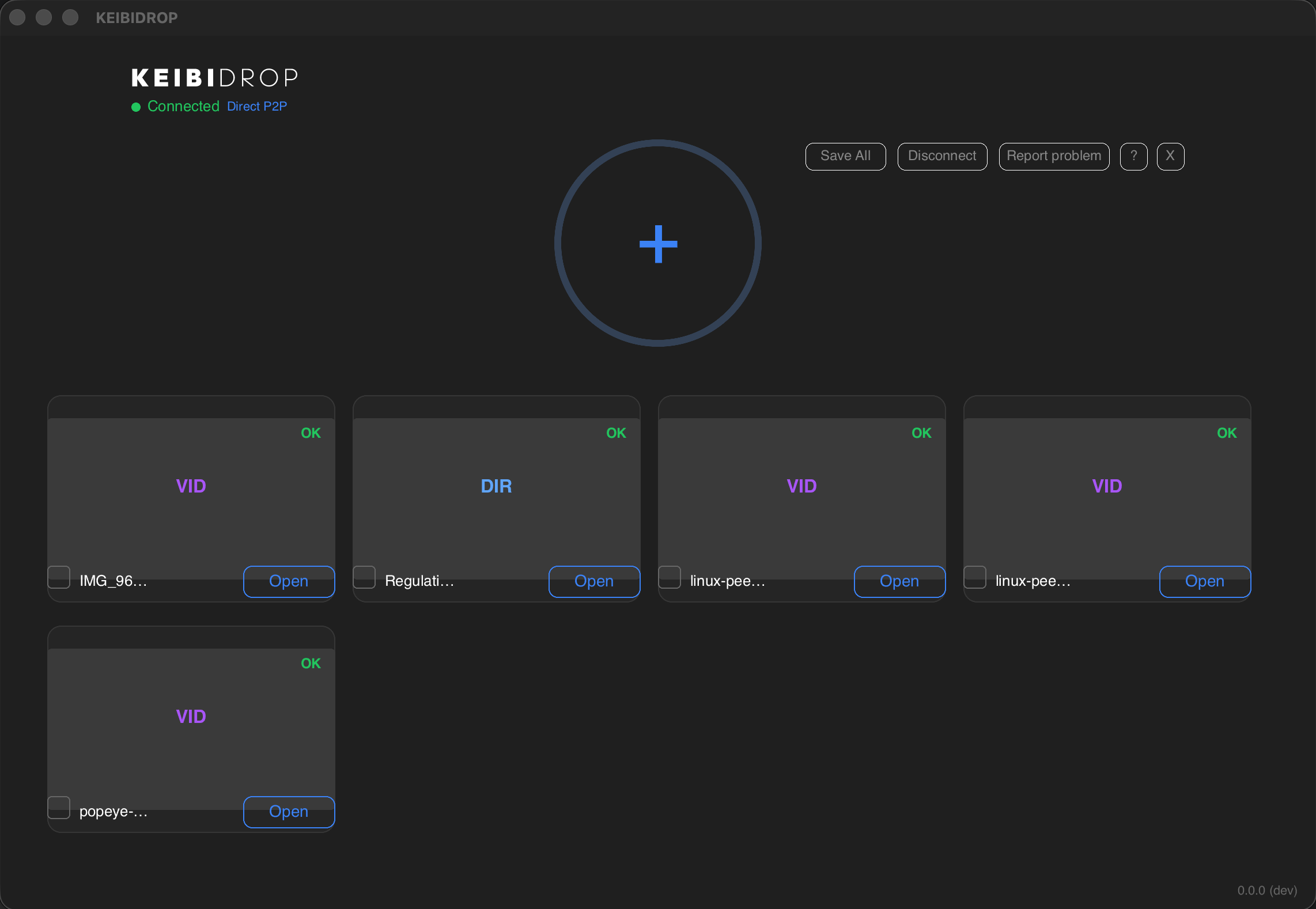
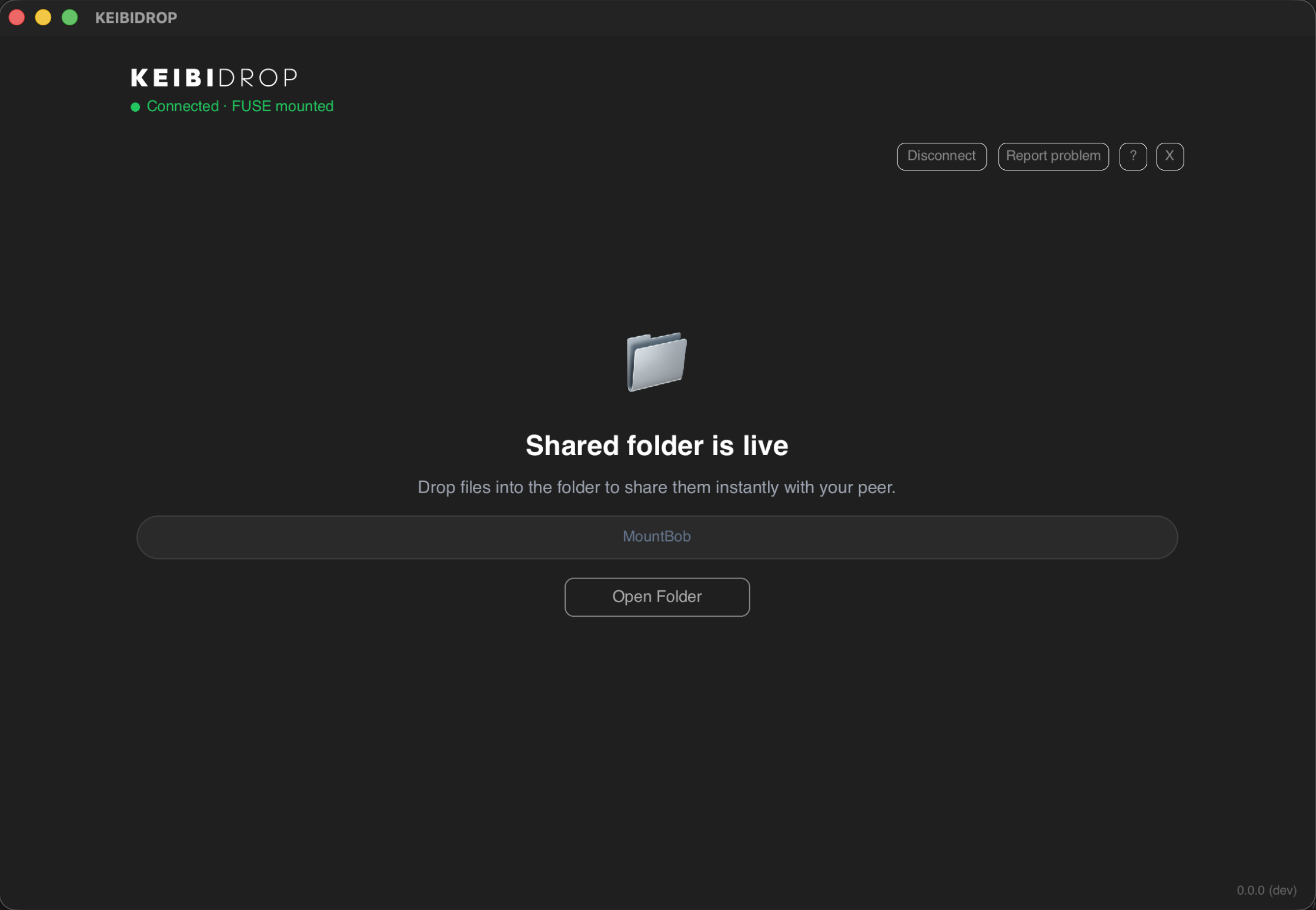
A real folder for any program
The Teleport mount is a POSIX filesystem. Finder, Explorer, a terminal, git, rsync and your IDE work on it unchanged.
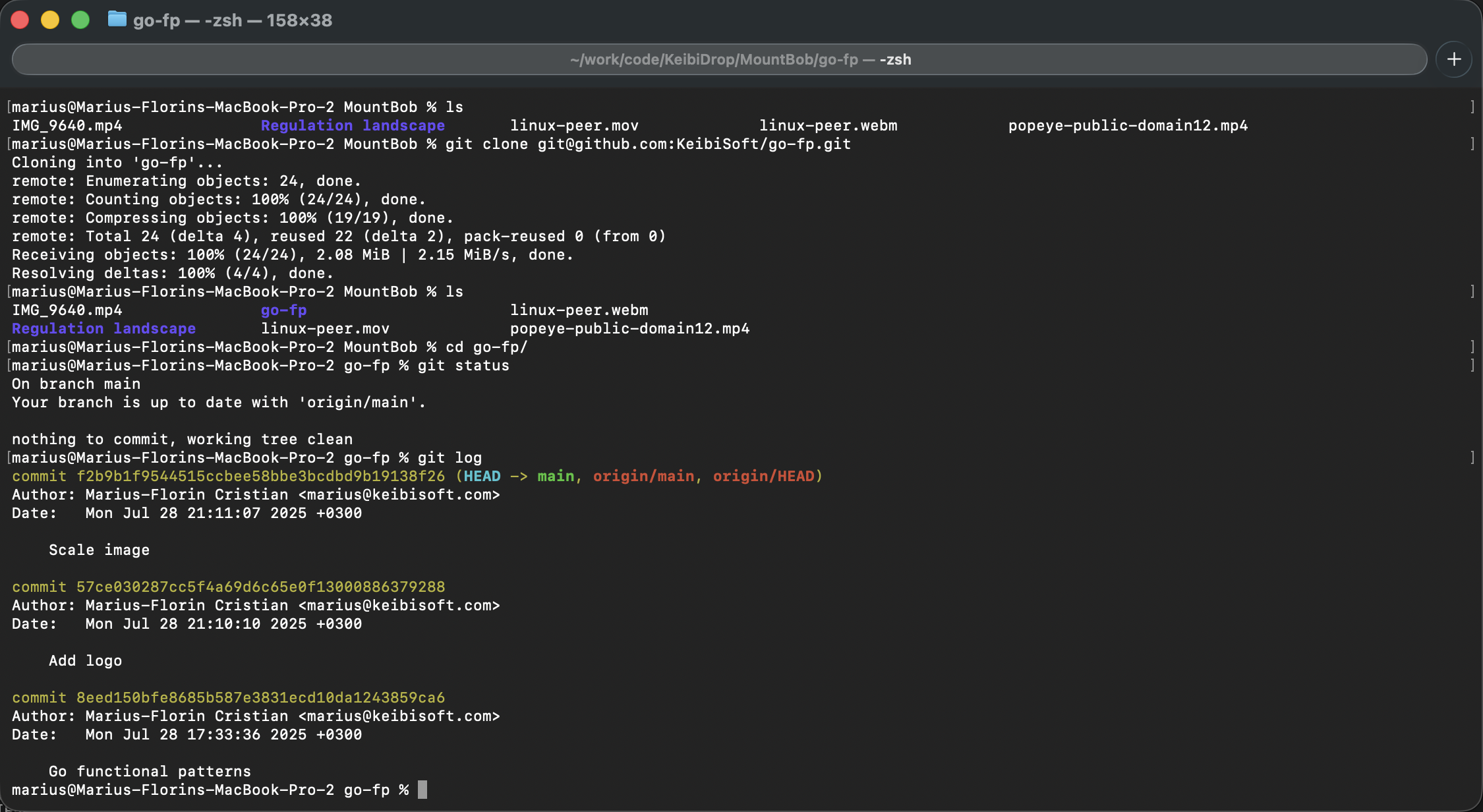
You can git clone into the shared folder and the other person runs git log on their side.
When both computers change the same file, both versions are kept.
An edit moves only the regions that changed. Edit 2 MB inside a 1 GB image and KEIBIDROP reships 18.6 MB, verified
byte exact by sha256. rsync over sshfs reships the whole gigabyte. Measured on loopback with an in-process pair
and on-demand reads, 14 August 2026. A small edit costs about 16 to 19 MB whatever the file size: one read-ahead
block plus the hash stream. A WAN adds round trips, not bytes. On a macOS receiver, same-size edits in place need
live_collab = true.
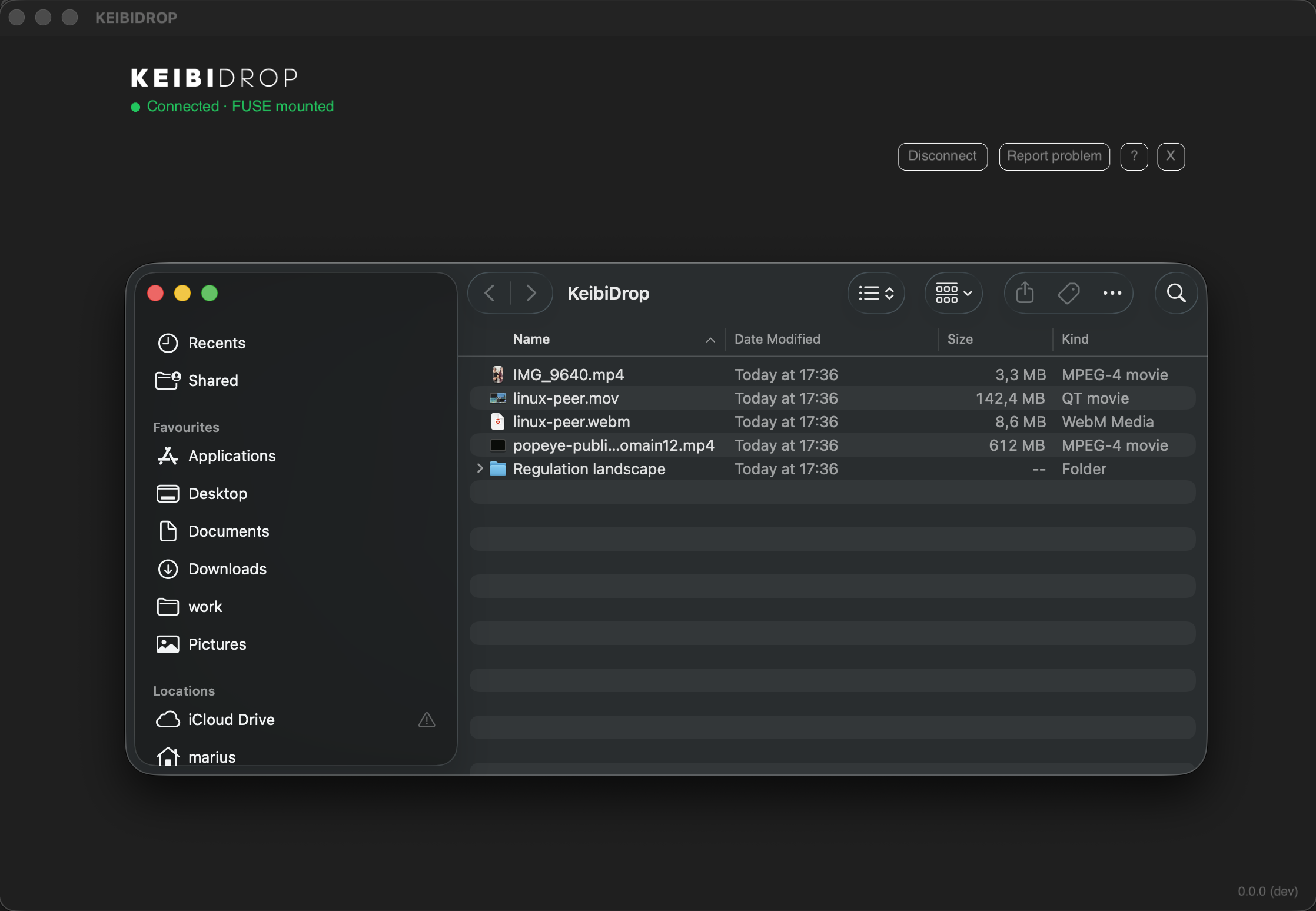
Folders from the other computer
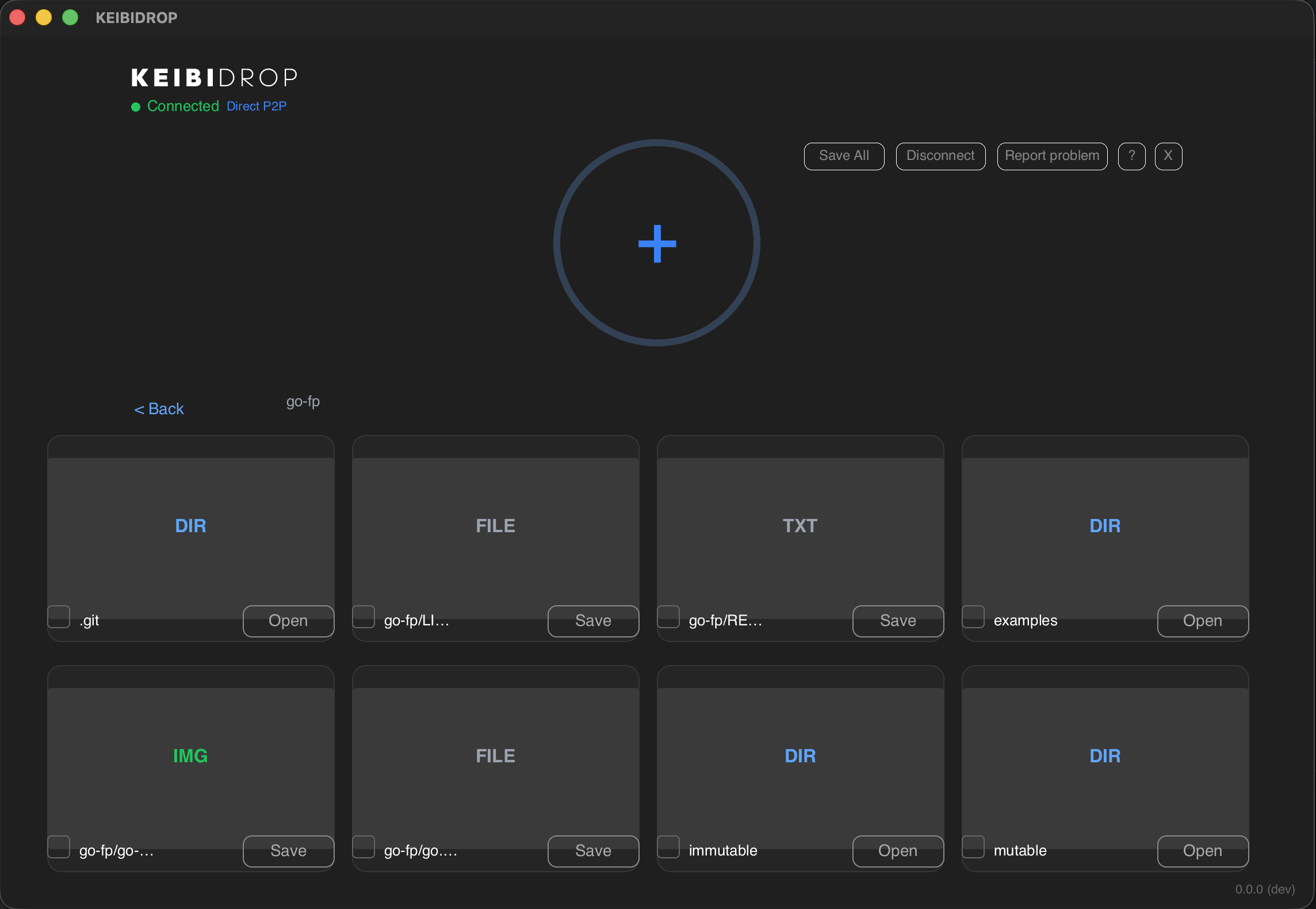
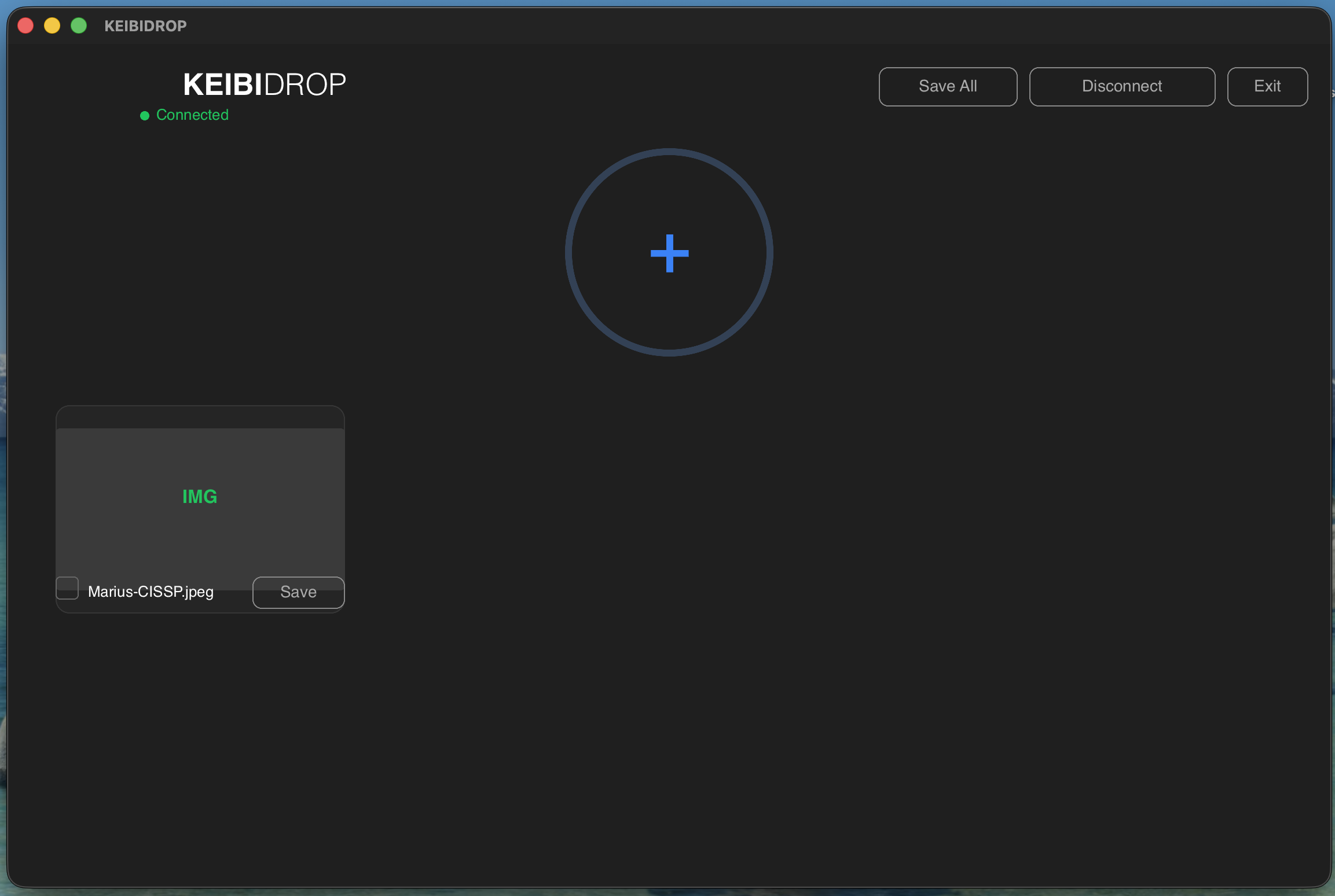
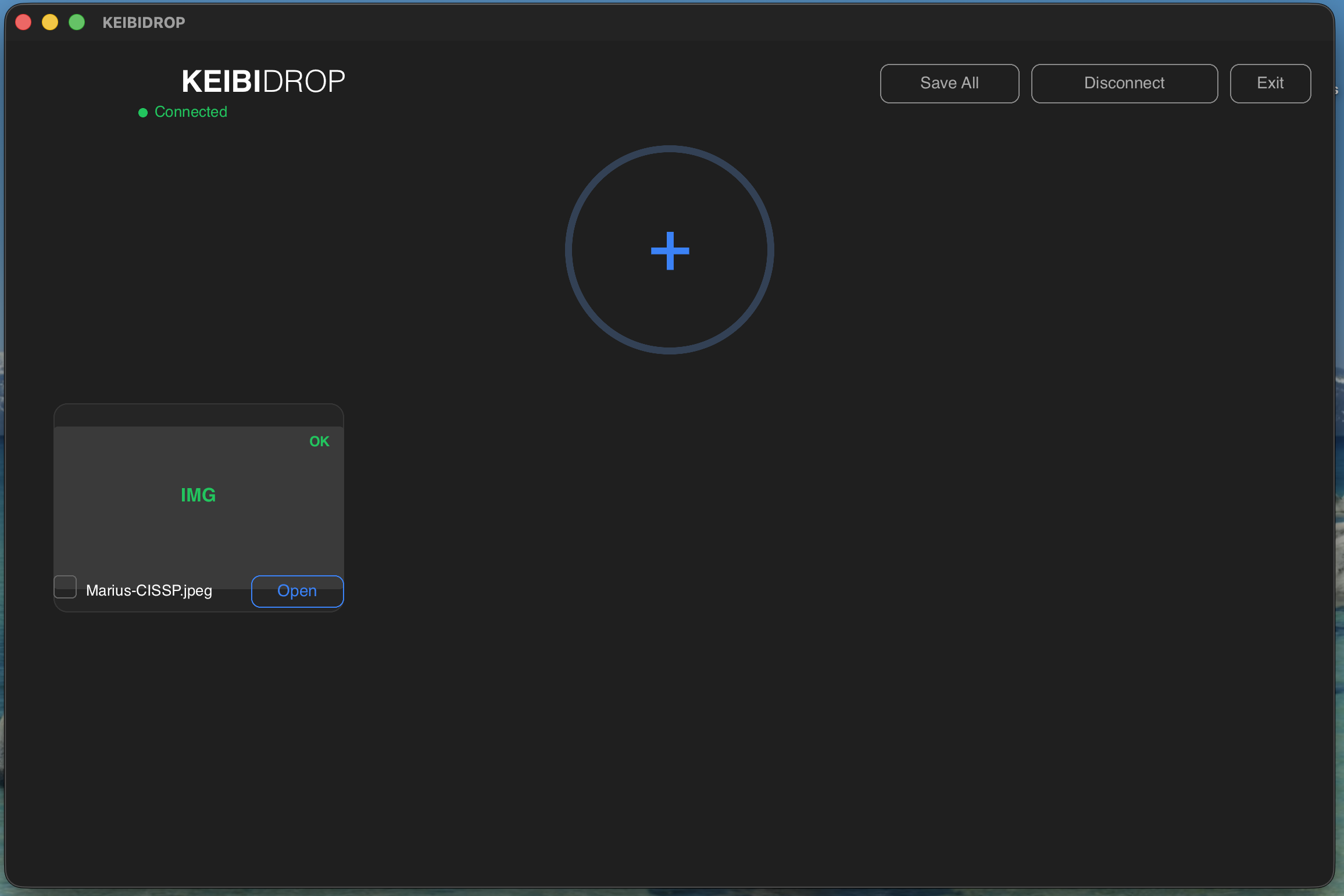
In direct transfer, folders the other person shares show as cards you can open. Open one, then save single files or the whole folder.
Features
There is no upload limit. Transfers resume after a dropped connection, and an interrupted save leaves the file intact.
ML-KEM-1024 with X25519 for the key exchange, and AES-256-GCM or ChaCha20-Poly1305 for the data, negotiated per connection. Keys rotate during long sessions.
Peers find each other on a LAN with mDNS and connect directly, also over IPv6. Behind NAT, an encrypted bridge relay forwards the traffic. It cannot decrypt it.
Swap a code once or send an invite link, then save the contact. Saved contacts reconnect with one click, or by themselves with Auto on.
Teleport fetches what a program reads, when it reads it. Opening a large file does not wait for the whole file.
The other person can join from web.keibidrop.com in a browser tab, with nothing to install.
Your key pair persists so contacts keep working, encrypted with a per-install key in the OS keychain. Incognito mode saves nothing.
A NAS or home server runs the Docker image and keeps a folder available. Unraid lists it in Community Applications.
Who uses it
Script it with kd, drive it from an AI agent over MCP, embed the C library. JSON output and stable exit codes.
Hybrid post-quantum key exchange, keys in the OS keychain, relays that see ciphertext only. The code is open for audit under AGPL-3.0.
Mount a case folder or a shoot from another machine and read only what you open. See DFIR and post-production.
Send photos, videos and project folders to a friend. Open the app, swap codes, drag files in.
A signaling relay passes encrypted registration blobs so that peers can find each other. Neither relay can read the data: every connection is encrypted end to end with keys from the hybrid handshake.
Connecting two computers
-
Install on both
The desktop app or the Android app, or a browser tab on the other side.
-
Swap a code once
Send your code over any chat, or send an invite link. On the same network, connect with one click instead.
-
Connect and save the contact
Both press Connect, then save the contact. The next connection is one click, or automatic with Auto on.
-
Share
Drag files into the window, use the CLI, or open the Teleport folder.
Screenshots
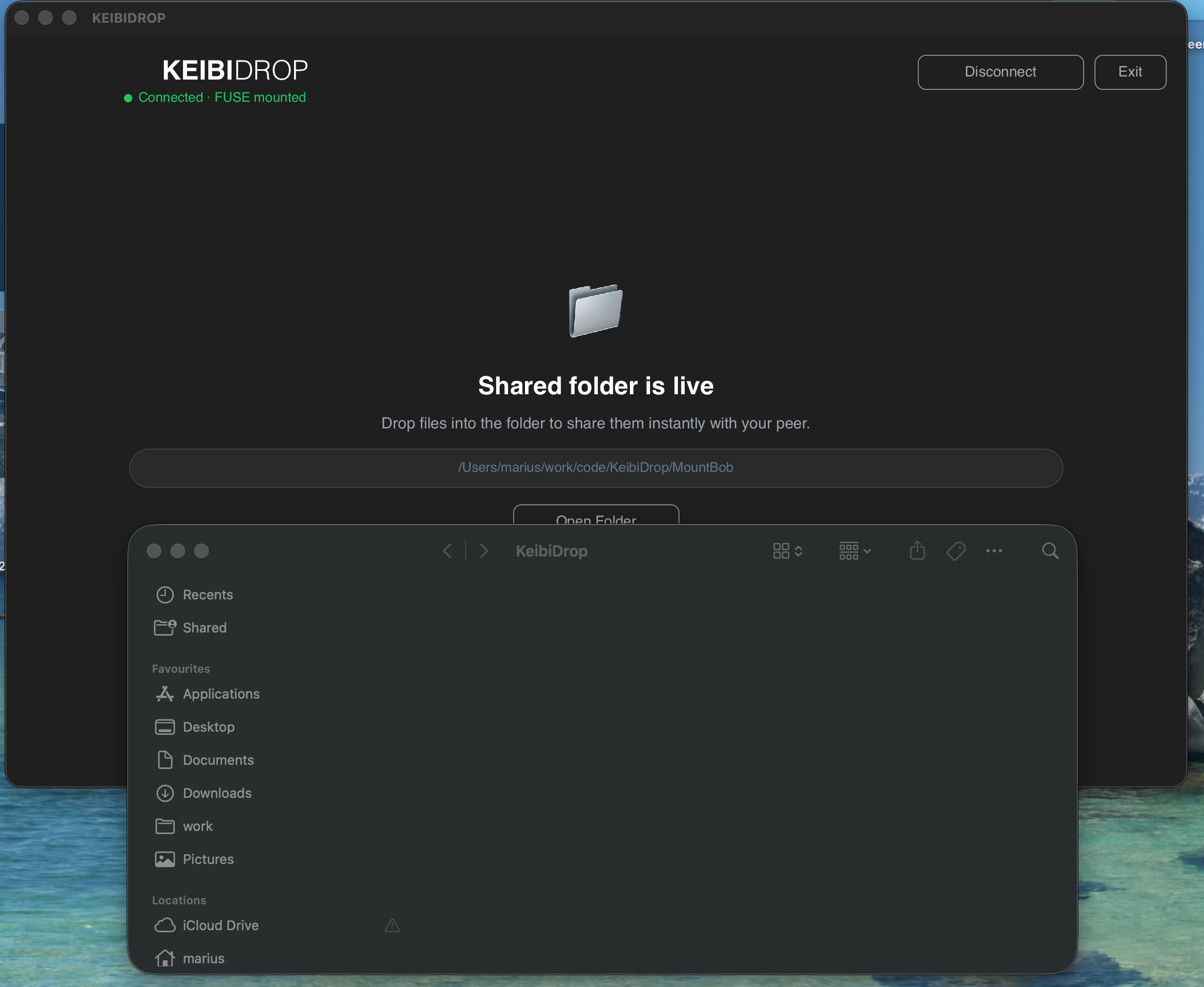
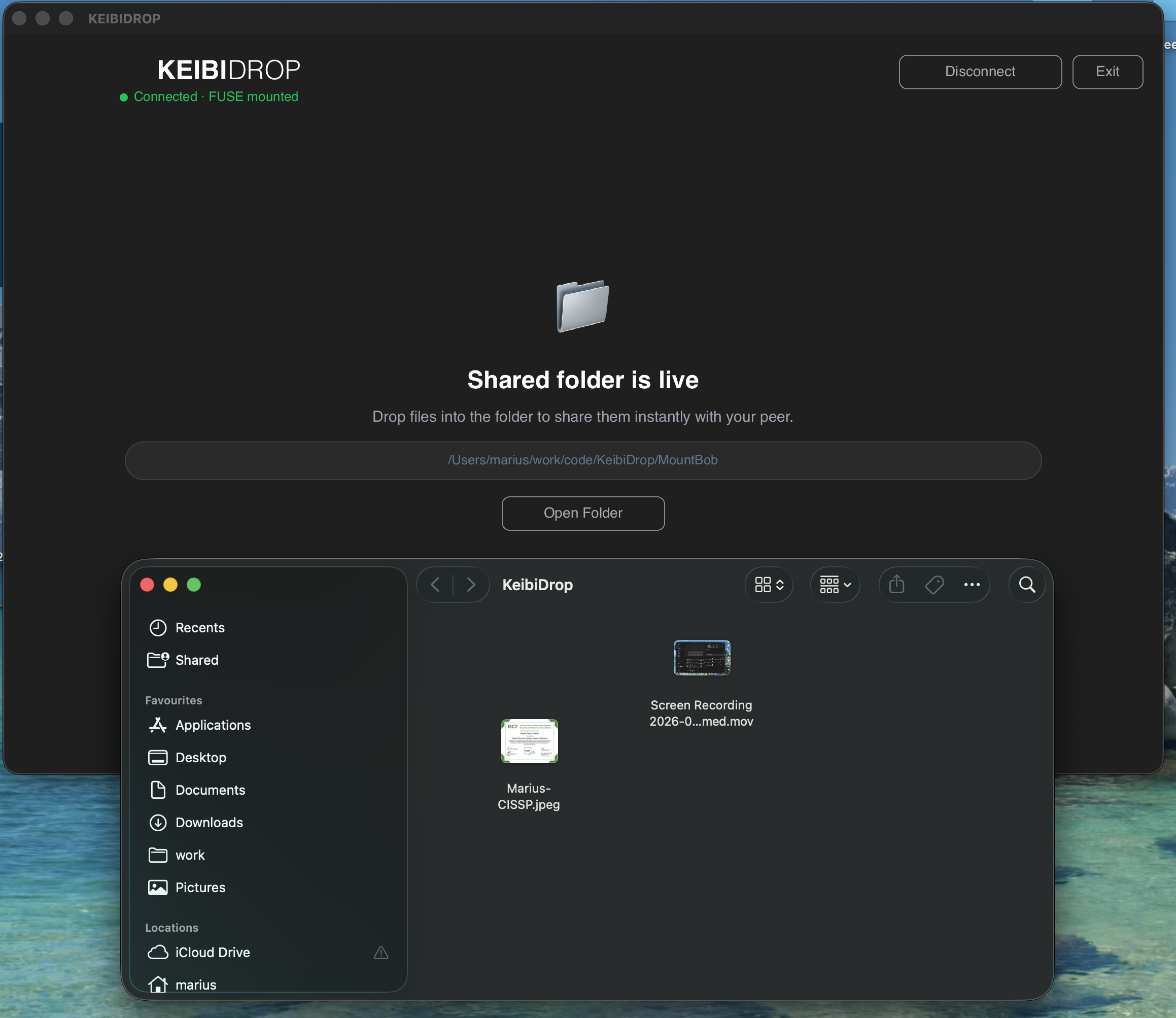
Teleport: the shared files as a folder
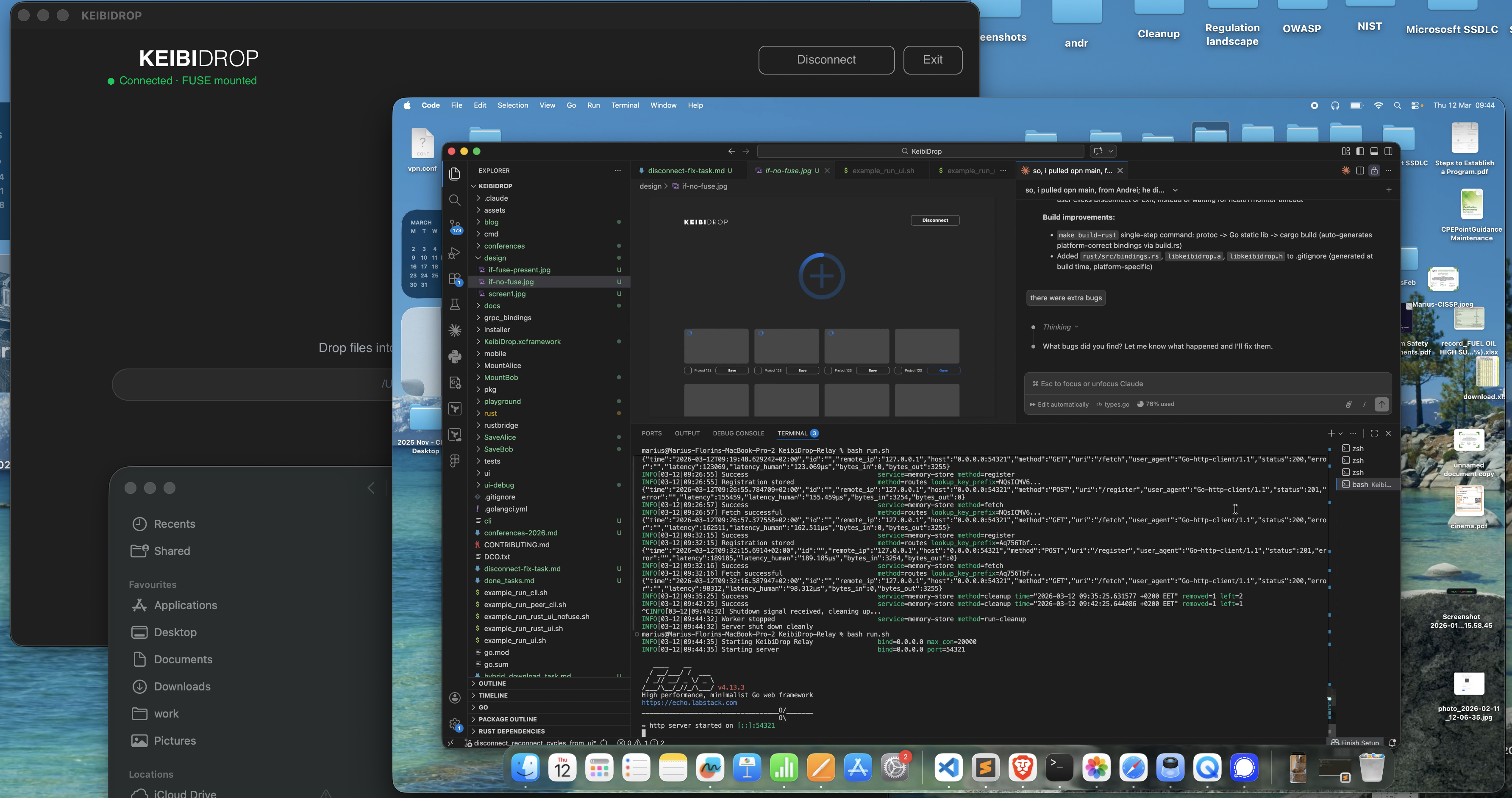
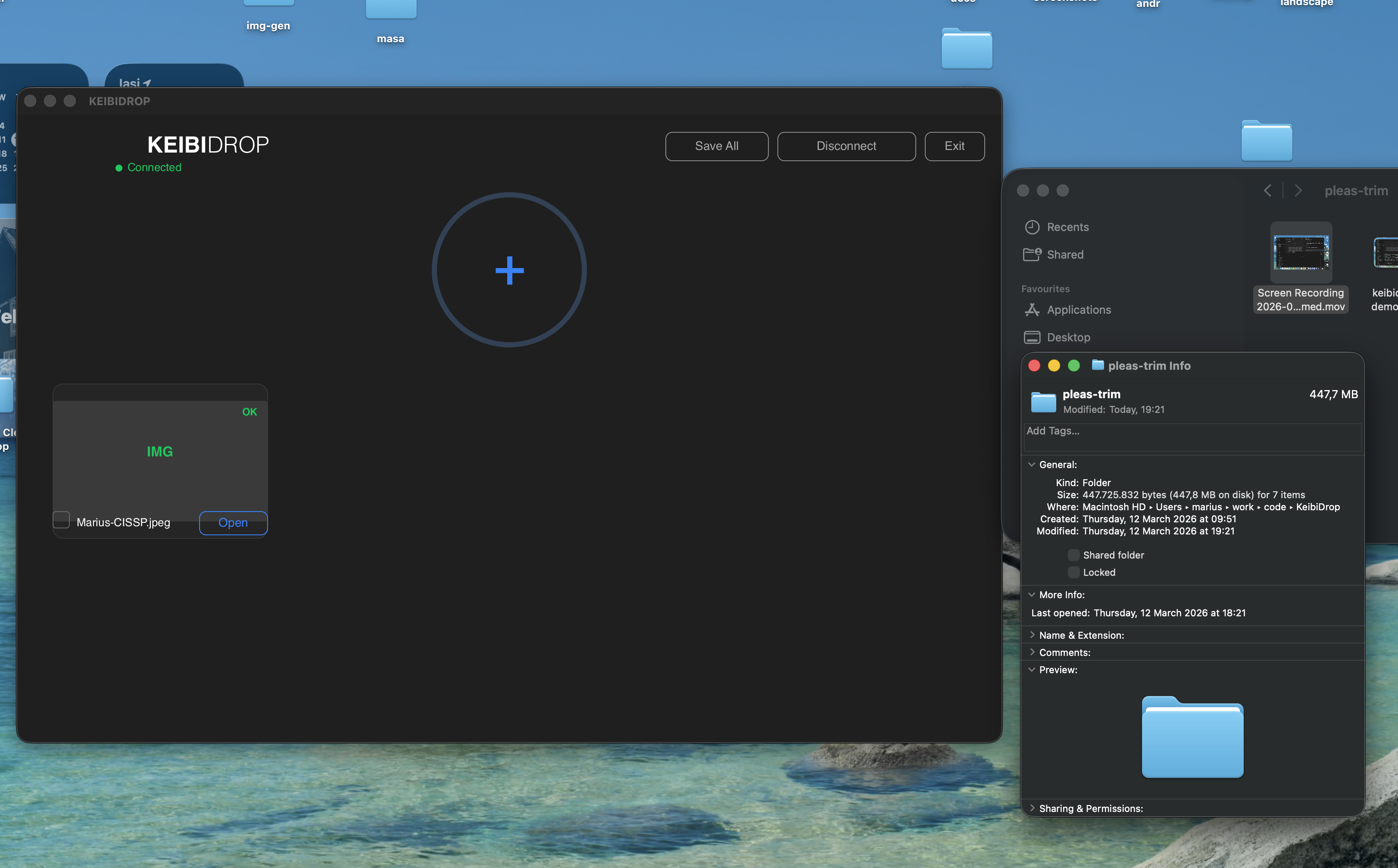
Direct transfer: drag, drop, save
Interfaces
Rust and Slint native UI on macOS, Windows and Linux. New design in 0.5.0, with help in plain words.
From our F-Droid repository, signed by us.
web.keibidrop.com joins a session from any browser tab.
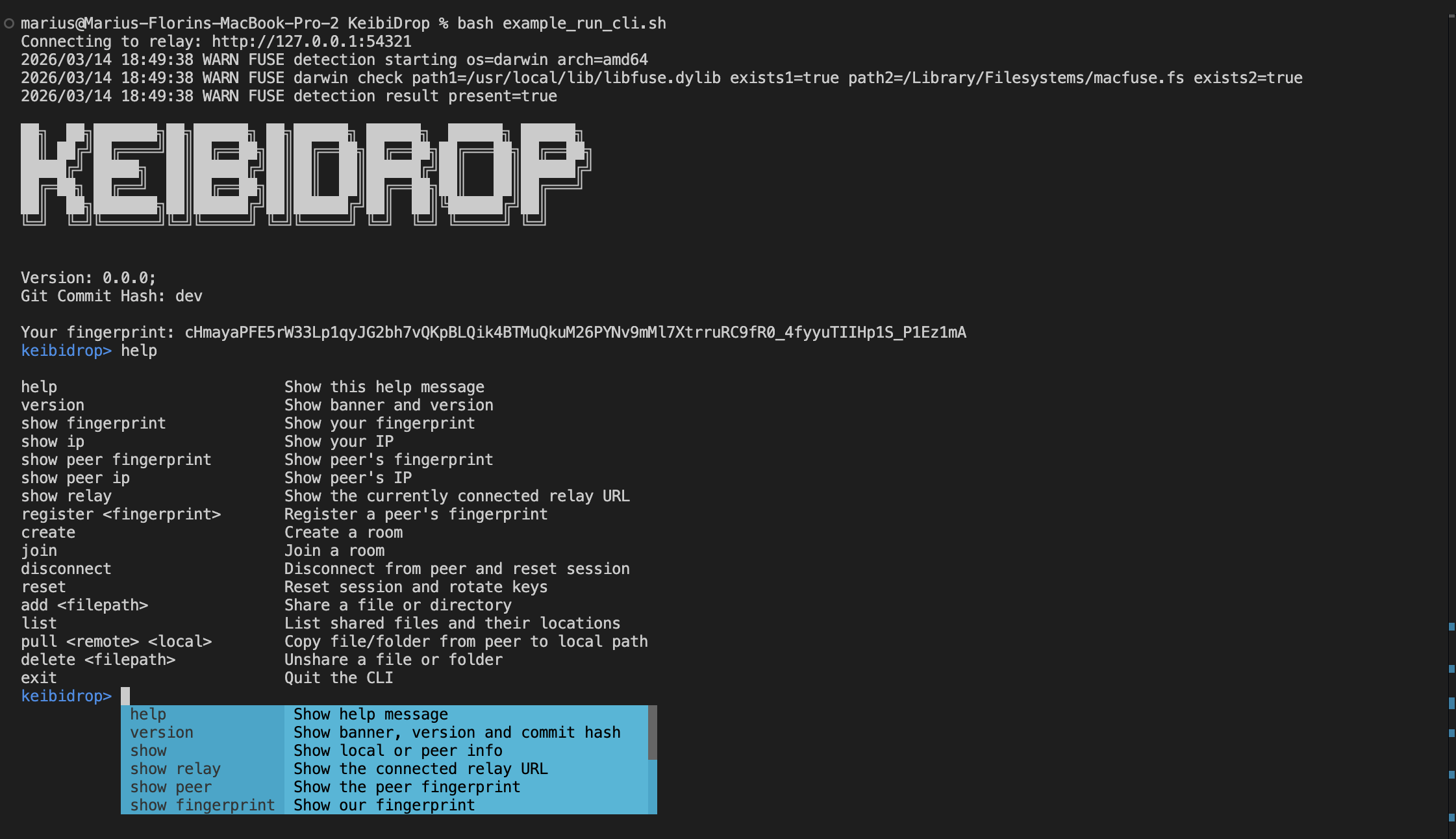
keibidrop-cli: a terminal prompt on the same engine.
kd: a daemon with one JSON line per command over a Unix socket, and named exit codes. For scripts and AI agents.
kdmcp: the same engine over MCP on stdio, with 17 tools. In the MCP registry as io.github.KeibiSoft/keibidrop.
libkeibidrop.a and libkeibidrop.h. Call it from Rust, Swift, Python or any language with a C FFI.
The desktop app, keibidrop-cli, kd and kdmcp all support Teleport and direct transfer.
Under the hood
Built with
- Go for the engine, networking, cryptography and FUSE. The 0.5.x builds use Go 1.26.9.
- Rust and Slint for the native desktop UI.
- gRPC and Protocol Buffers between peers.
- cgofuse for FUSE on macOS, Linux and Windows.
- In July 2026 the repository held more test Go than product Go: the numbers.
Privacy
KEIBIDROP sends no analytics and no usage data. A report leaves your computer only when you press Report problem, and the attached log has personal details removed.
Identity is a key pair made on your computer. By default it persists, so saved contacts keep working, and it is encrypted with a per-install key in the OS keychain: Keychain on macOS, Secret Service on Linux, Credential Manager on Windows. Incognito mode makes a new identity and saves nothing.
The signaling relay stores encrypted registration blobs it cannot decrypt, indexed by a lookup token derived from the fingerprint, not the fingerprint itself. The bridge relay forwards ciphertext over outbound connections from both peers. Session keys rotate after 1 GB or 1 million messages, so a compromised key exposes only part of a session.
Install
Apps for macOS (Apple silicon and Intel), Windows 10 and 11, Linux (.deb) and Android are on the install page. The Mac app is signed and notarized by Apple. Each release publishes a SHA256SUMS file next to the downloads.
# macOS, Homebrew
brew tap keibisoft/keibidrop
brew trust keibisoft/keibidrop
brew install keibidrop

# Debian, Ubuntu: the latest .deb
wget -O keibidrop.deb $(curl -s https://api.github.com/repos/KeibiSoft/KeibiDrop/releases/latest \
  | grep -o 'https://[^"]*_amd64\.deb')
sudo apt install ./keibidrop.deb

# Snap: send and receive only. For Teleport, use the .deb
sudo snap install keibidrop

# Windows, Chocolatey
choco install keibidrop
Android: in F-Droid, add the repository https://fdroid.keibisoft.com/fdroid/repo/ and compare its
fingerprint with the one on fdroid.keibisoft.com.
A NAS runs the Docker image keibisoft/keibidrop, also at ghcr.io/keibisoft/keibidrop:
run it on a NAS.
Teleport needs one driver on the mounting side: macFUSE on a Mac, WinFsp on Windows, nothing extra on Linux.
Every install also carries keibidrop-cli and kd.
Automate with kd
kd runs the engine as a daemon. Every command prints one JSON line with an ok field,
and exits 0 on success. On failure, the exit code and the code field name the reason.
# Terminal 1: the daemon runs in the foreground and prints your fingerprint as JSON
KD_SAVE_PATH=./saved KD_MOUNT_PATH=./mount ./kd start

# Terminal 2
./kd show fingerprint                 # send this to your peer
./kd register <peer-fingerprint>      # paste theirs
./kd connect                          # both peers; the role is picked automatically
./kd save-contact Alice               # next time: ./kd quick-connect <fingerprint>
./kd add ./report.pdf                 # share a file
./kd pull report.pdf ./out/report.pdf
./kd status
./kd disconnect
./kd stop
With KD_MOUNT_PATH set, the mount path is a live Teleport folder: ls, cat
and cp work on it. Guides: automate
with kd and the agent
integration guide.
MCP server
kdmcp serves the same engine over MCP on stdio, with 17 tools, among them pair, list, send, pull,
poll progress, wait for events and disconnect. Claude Desktop installs it from the MCP registry as
io.github.KeibiSoft/keibidrop. Other clients take an mcpServers entry, or open the
keibidrop-mcp.mcpb bundle from the latest release, which carries the server for macOS, Windows and Linux.
Embed the C library
The engine compiles to a C static library, libkeibidrop.a with libkeibidrop.h.
Call it from Rust, Swift, Python or any language with a C FFI. The desktop app uses it this way.
KD_Initialize(relay, inbound, outbound, mount, save, fuse, prefetch, push);
KD_AddPeerFingerprint(peer_fp);
KD_Connect();
KD_AddFile("/path/to/file.pdf");
KD_SaveFileByName("file.pdf", "/save/path/file.pdf");
A closed-source product that embeds or links the engine needs a commercial license. Write to marius@keibisoft.com.
Conference talk
Pass the SALT 2026, Lille. KEIBIDROP: Post-Quantum Encrypted Peer-to-Peer File Transfer Without the Cloud. A walk through the architecture: the post-quantum handshake, the on-demand FUSE filesystem, hiding wide-area latency, and the open problems that remain.
Watch the recording · Slides (PDF) · Talk page
Engineering blog
Architecture and cryptography
-
KEIBIDROP Architecture: From Raw TCP to Encrypted Virtual Filesystem
Identity, the hybrid handshake, relay privacy and the FUSE layer on one map.
-
Building Post-Quantum Encrypted File Sync
The full technical overview: architecture, crypto choices, FUSE problems, lessons.
-
Hybrid Post-Quantum Encryption for gRPC
The ML-KEM and X25519 handshake inside custom transport credentials.
-
Post-Quantum Cryptography in Practice: ML-KEM + X25519
How the hybrid key exchange and the AEAD ciphers fit together.
-
Privacy-Preserving P2P Discovery
Dual key derivation, encrypted registration blobs, and what the relay cannot see.
-
Forward Secrecy: Automatic Key Rotation
Rekey thresholds, counter-based nonces and the hybrid rekey.
-
Rekey While the Video Plays: Key Rotation Across TCP and QUIC
Key rotation during live transfers and playback, on both lanes.
Filesystem
-
Debugging FUSE Deadlocks on Intel Macs
Lock ordering and brief-lock patterns that keep the mount responsive.
-
Making Git Work Inside a FUSE Filesystem
mmap, fsync races, fcopyfile quirks, per-file direct_io.
-
Making Git Clone Work Between Peers
Rename races, debounce, prefetch semaphores, negative vnode caching.
-
Why macOS Preview Can't Read Your FUSE Files
Sandboxing, Gatekeeper and mmap, one layer at a time.
-
The Write/Release Race Condition
When the kernel closes your file in the middle of a write.
-
The File Descriptor Reuse Race
POSIX fd recycling corrupted data until opaque handle IDs replaced it.
-
FUSE Disconnect and Reconnect
Six bugs in the disconnect and reconnect path, and the fix for each.
-
You Can't mmap a Database Over a Network Filesystem
A pijul repository on the mount, and the oldest problem of network filesystems.
-
Editors Don't Edit Files
How vim, GIMP, Sublime, LibreOffice and sqlite save, and how edits from both peers converge.
-
A Version Is Not Its Bytes
Two clocks per machine, and the rules for accepting a version.
-
Two people, one folder, and no lock anywhere
Each change carries the newest version its author had seen.
-
Cross-Platform File Sync
macOS atomic saves, Windows file locking, Linux FUSE versions.
-
10x FUSE Performance via Block Size Tuning
What st_blksize does to throughput on a FUSE mount.
Performance over long links
-
Benchmark Matrix: Loopback, WAN, WiFi, and iOS
Loopback, laptop to VPS, WiFi LAN and FUSE runs side by side, each with its conditions.
-
KEIBIDROP Over 330 ms: Romania to a Windows Box in Singapore
Throughput in both directions, connect time and the mount across an intercontinental link.
-
Smooth On-Demand Playback Over 200 ms
Predictive reads that stop a video player from freezing at block boundaries.
-
30 MB of small files took 12 minutes while the link sat idle
Batching sibling reads for many small files over a long link.
-
A 0.26 s seek on an idle WAN link takes up to 4.7 s on a full one
Random reads on a mounted file while a large read fills the link.
-
gRPC over QUIC: faster seeks, slower bulk
Seeks under a saturating prefetch, the macOS syscall ceiling, and a teardown deadlock.
-
100,000 Files: What Eager Metadata Costs
Indexing and announcing a large tree up front, and what the peer holds in memory.
-
KEIBIDROP Footprint: Memory and Binary Size
Idle memory, memory per file, and binary size.
-
Optimizing Encrypted Transfer Speed
AEAD caching, combined writes, async cache, push-based streaming.
-
SecureConn Performance
Profiling the encrypted transport layer.
-
AES-GCM Hardware Acceleration
AES-NI, ARM crypto extensions, and measured throughput.
-
Benchmarks vs the Competition
Against croc, magic-wormhole and LocalSend, with the numbers.
Databases
-
Running PostgreSQL Over FUSE
A database on a peer-to-peer virtual filesystem, benchmarked.
-
Cross-Peer PostgreSQL Migration
A live PostgreSQL instance moved from Linux to a Mac over the encrypted bridge.
-
PostgreSQL Across Two Machines, Byte-Perfect: The Three Bugs in the Way
The three bugs between almost working and a byte-perfect handoff.
Tools, process and releases
-
Building a CLI for AI Agents
The kd daemon, the Unix socket and JSON output.
-
Testing P2P Systems Without External Dependencies
A mock relay, the TestPair harness and dynamic ports.
-
More Test Code Than Product Code
The codebase by the numbers in July 2026, with a map of every subsystem.
-
Building KEIBIDROP While Burned Out
Two developers, building during recovery.
-
v0.3.0 Release
Persistence, resumable downloads, presence.
-
v0.1.0 Release
The first public release.
-
Release notes for 0.4.x and 0.5.x
Teleport, the new desktop design, AGPL-3.0 for the desktop app, and the macOS Teleport fix in 0.5.1.
Limits
- There is no iPhone app yet. Android installs from our F-Droid repository.
- Teleport needs a driver on the mounting side: macFUSE on a Mac, WinFsp on Windows. The snap package sends and receives files; for Teleport on Linux, install the .deb.
- Both computers must be online during a session. A NAS or a home server can be the always-on side.
- The shared public relay is best effort. The Business plan adds dedicated relay bandwidth.
Open source and licensing
Since 0.5.0, the engine, the command-line tools and the desktop app are licensed AGPL-3.0-only. Releases 0.4.8 and older keep the licenses they shipped with. A closed-source product that embeds or links the engine needs a commercial license. The mobile apps and the brand assets are proprietary. The details are in LICENSING.md.
Commercial licensing, priority support, custom integrations and private relay hosting are available for organizations.